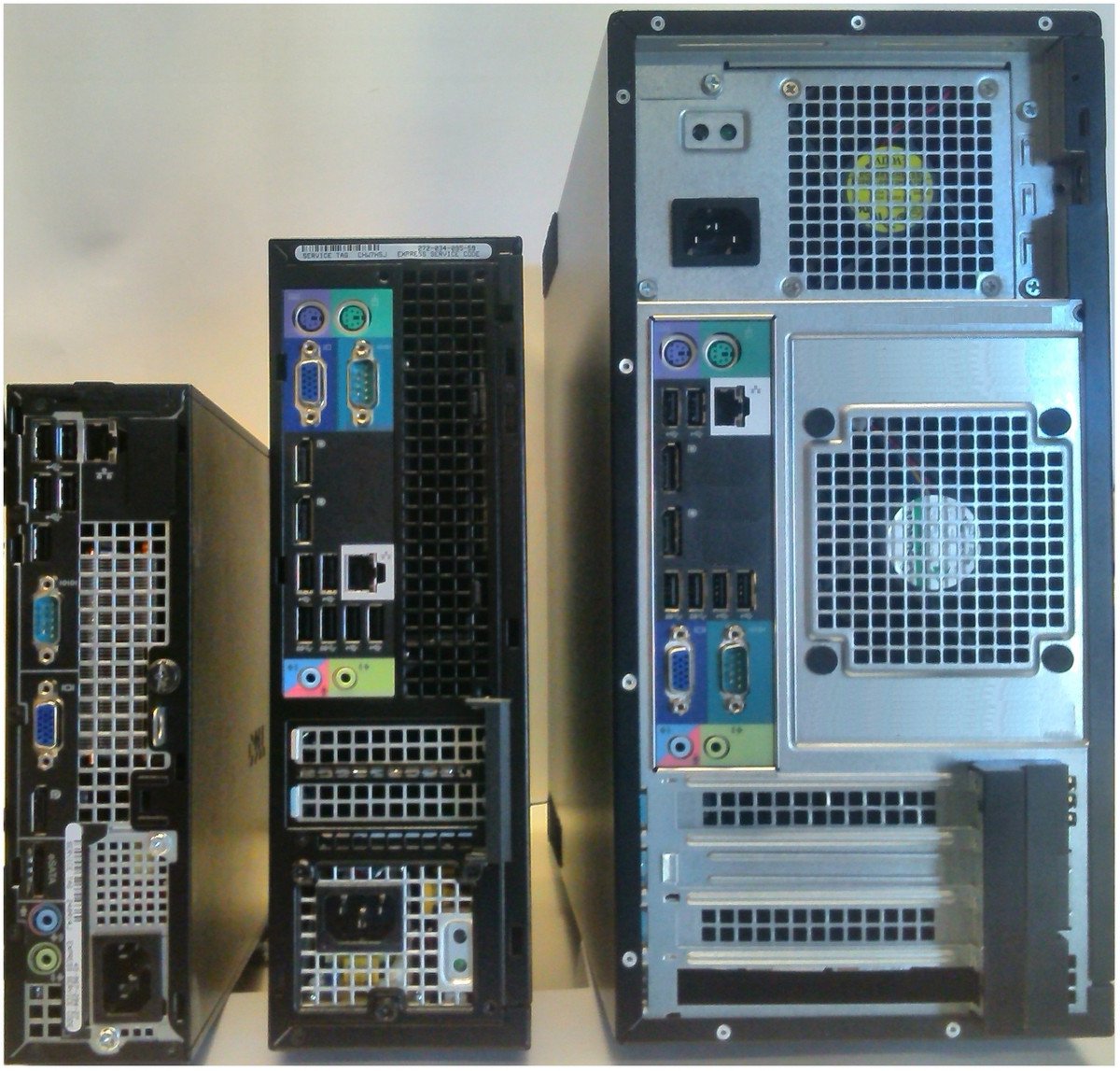
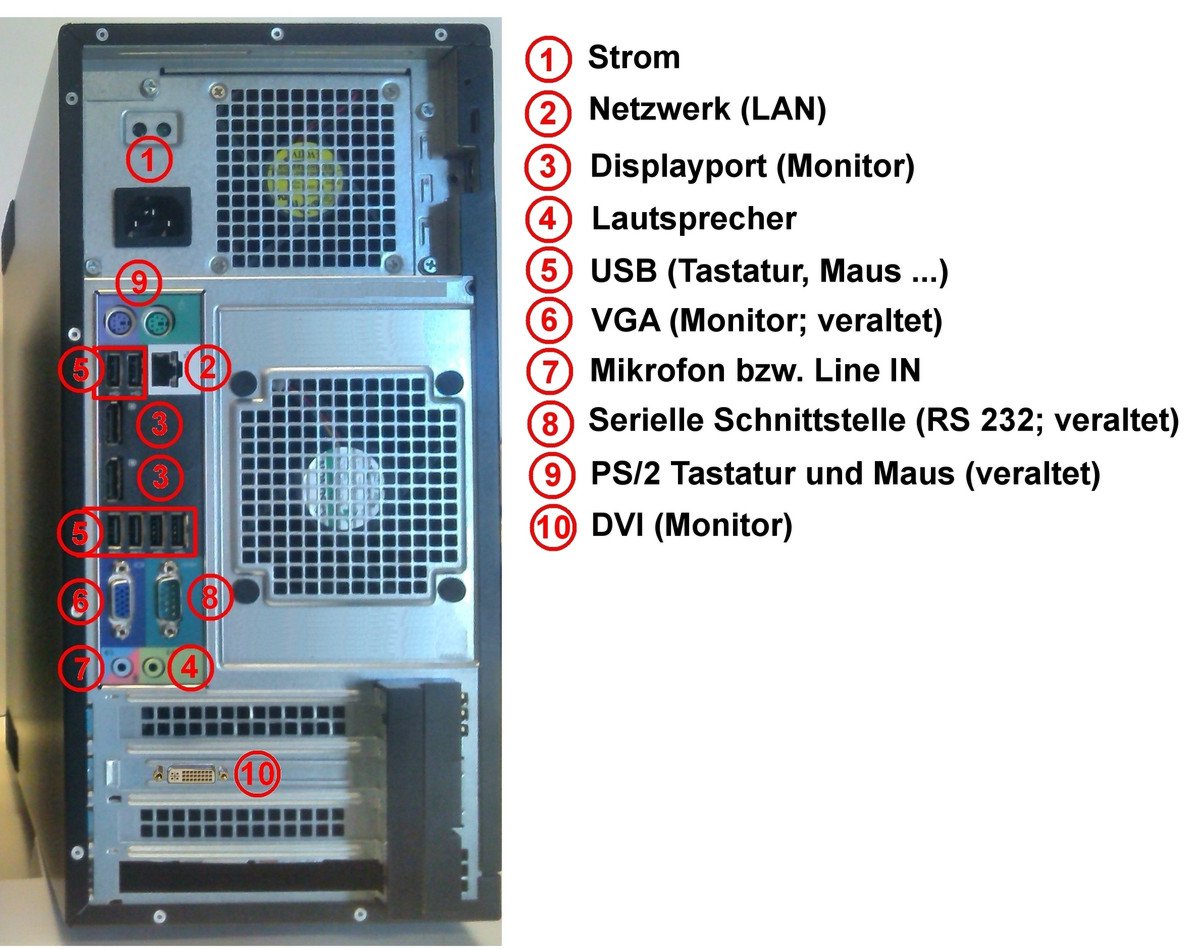
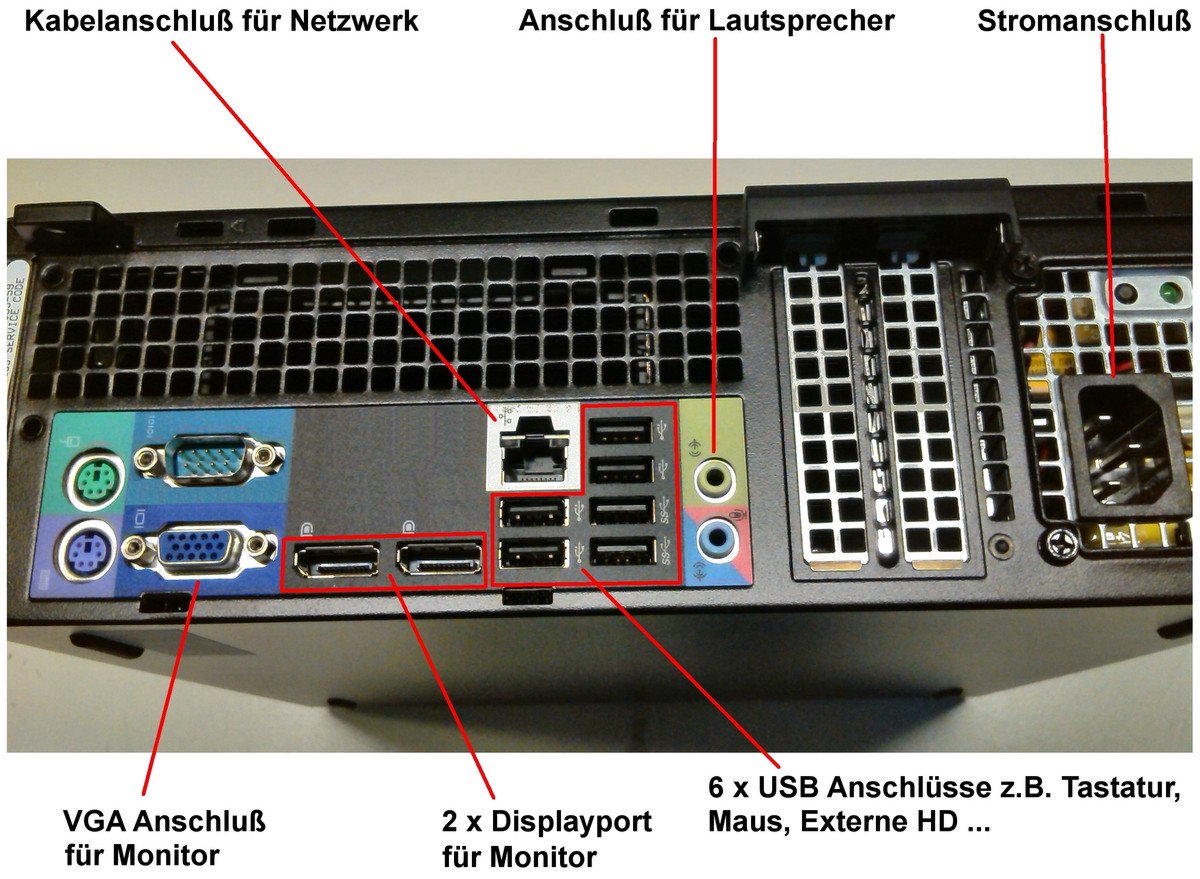

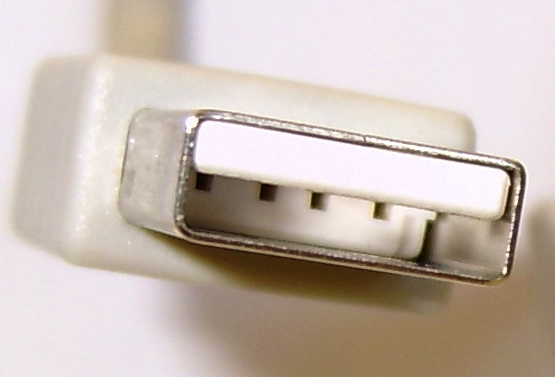
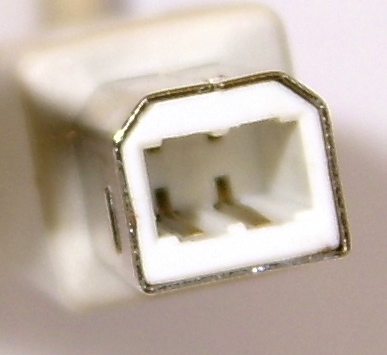
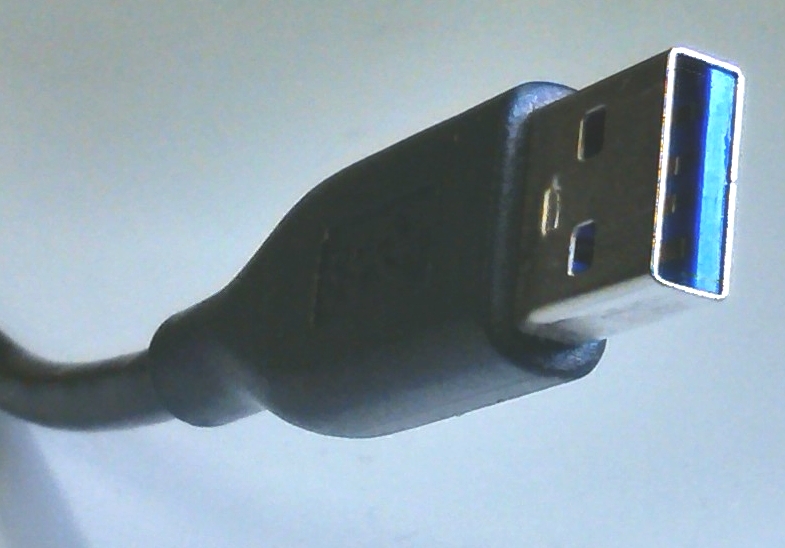
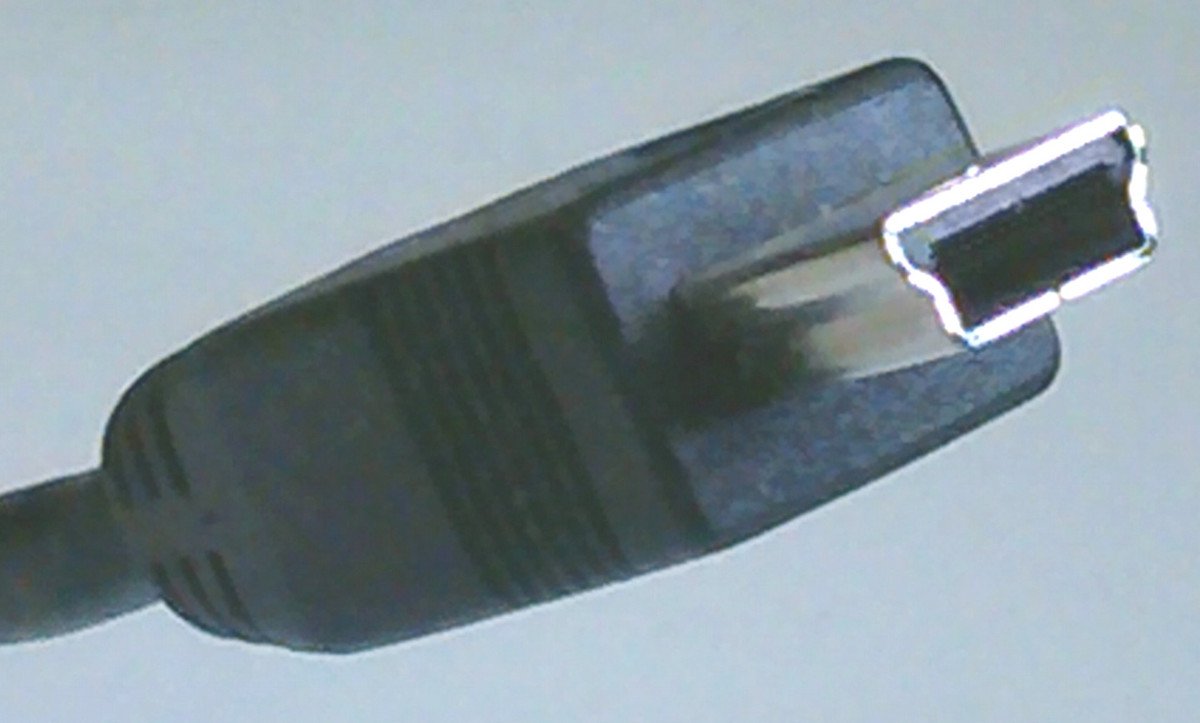
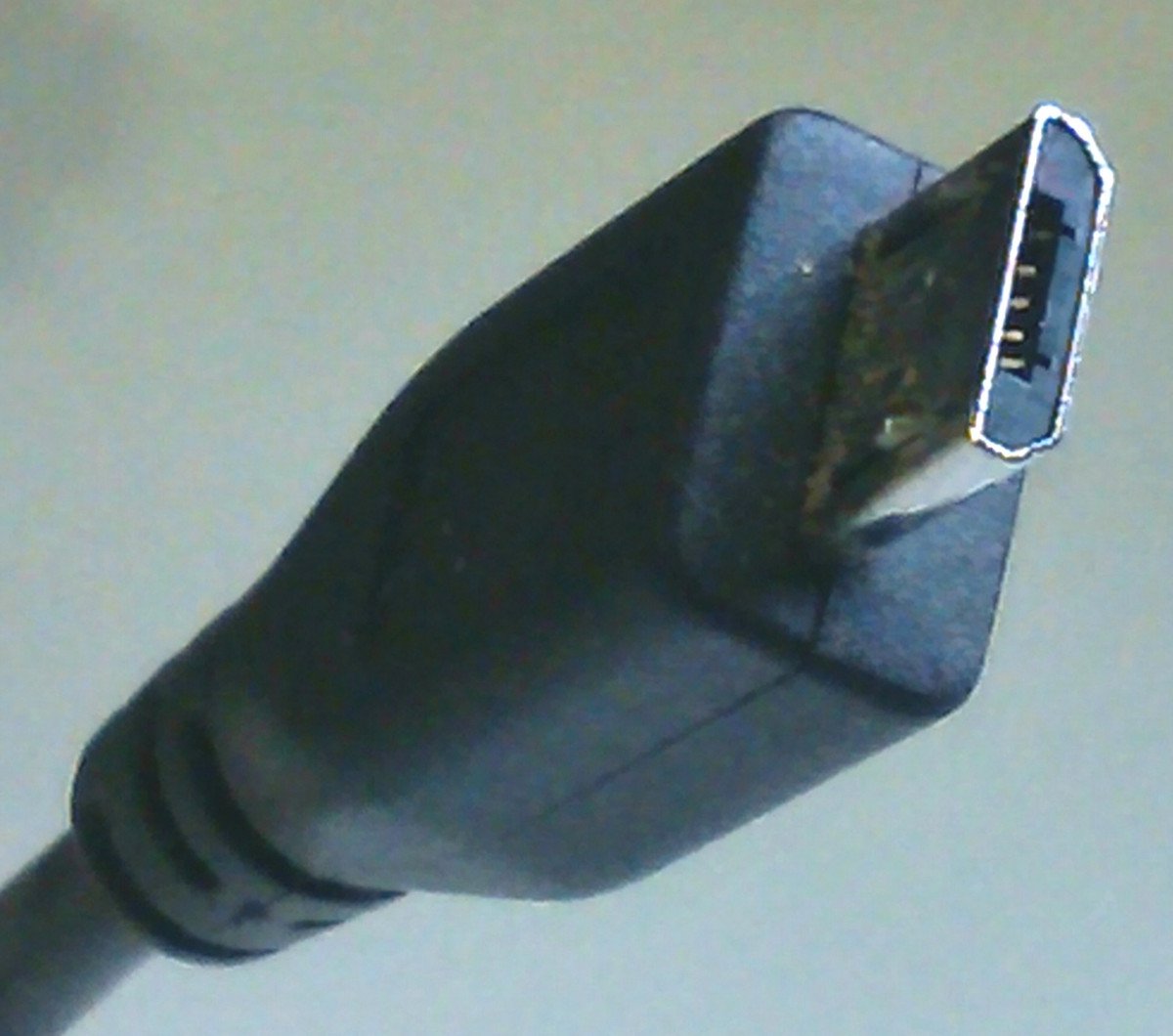
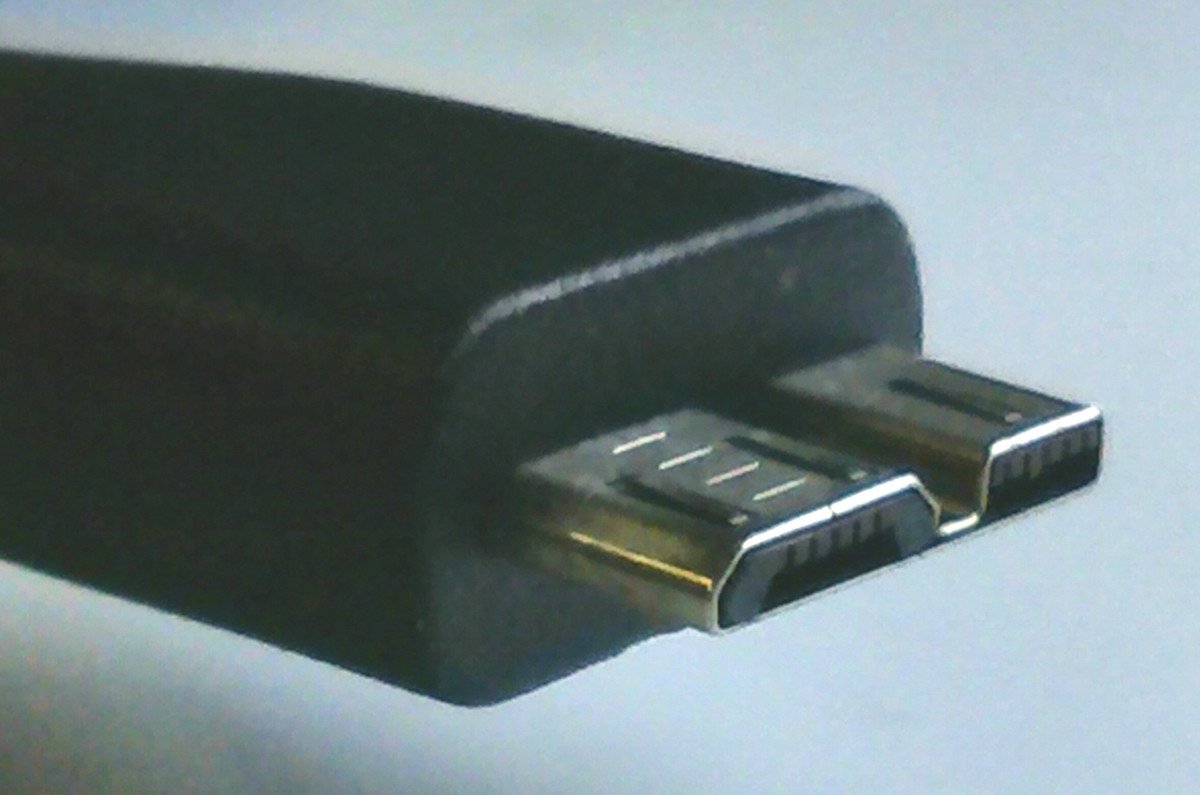
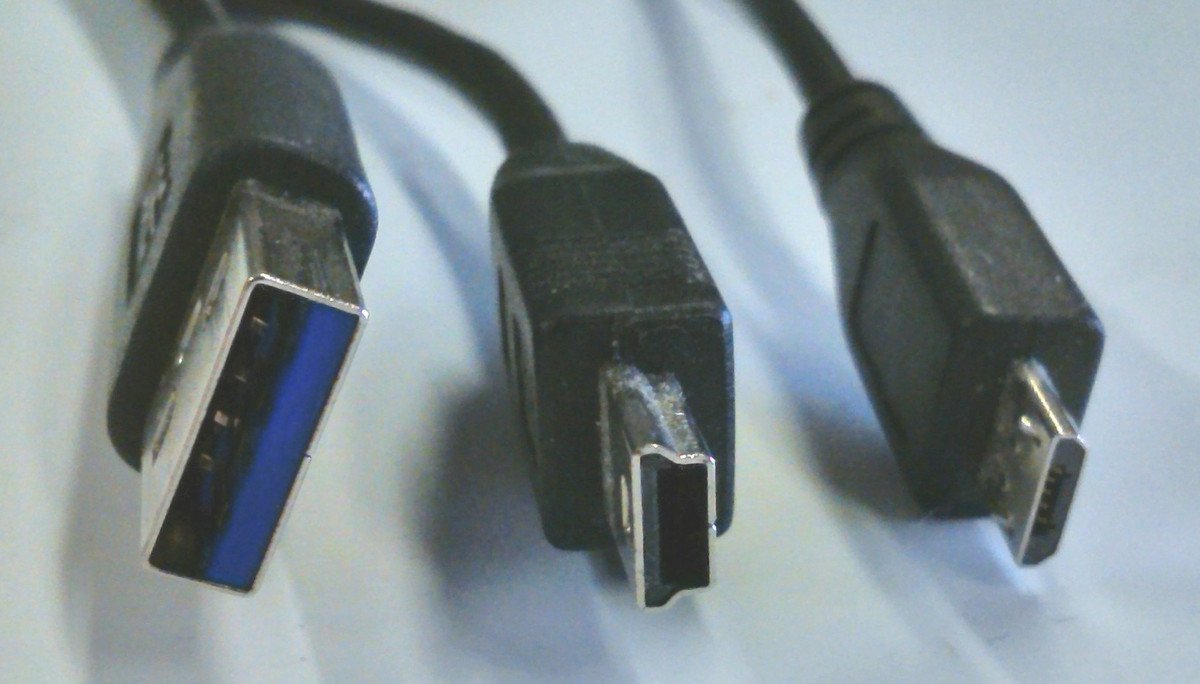
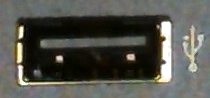
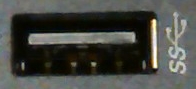
PC with keyboard and mouse via the USB connections. USB is a universal connection for a keyboard, mouse, printer scanner, storage stick, external hard drive, USB hub, and much more.
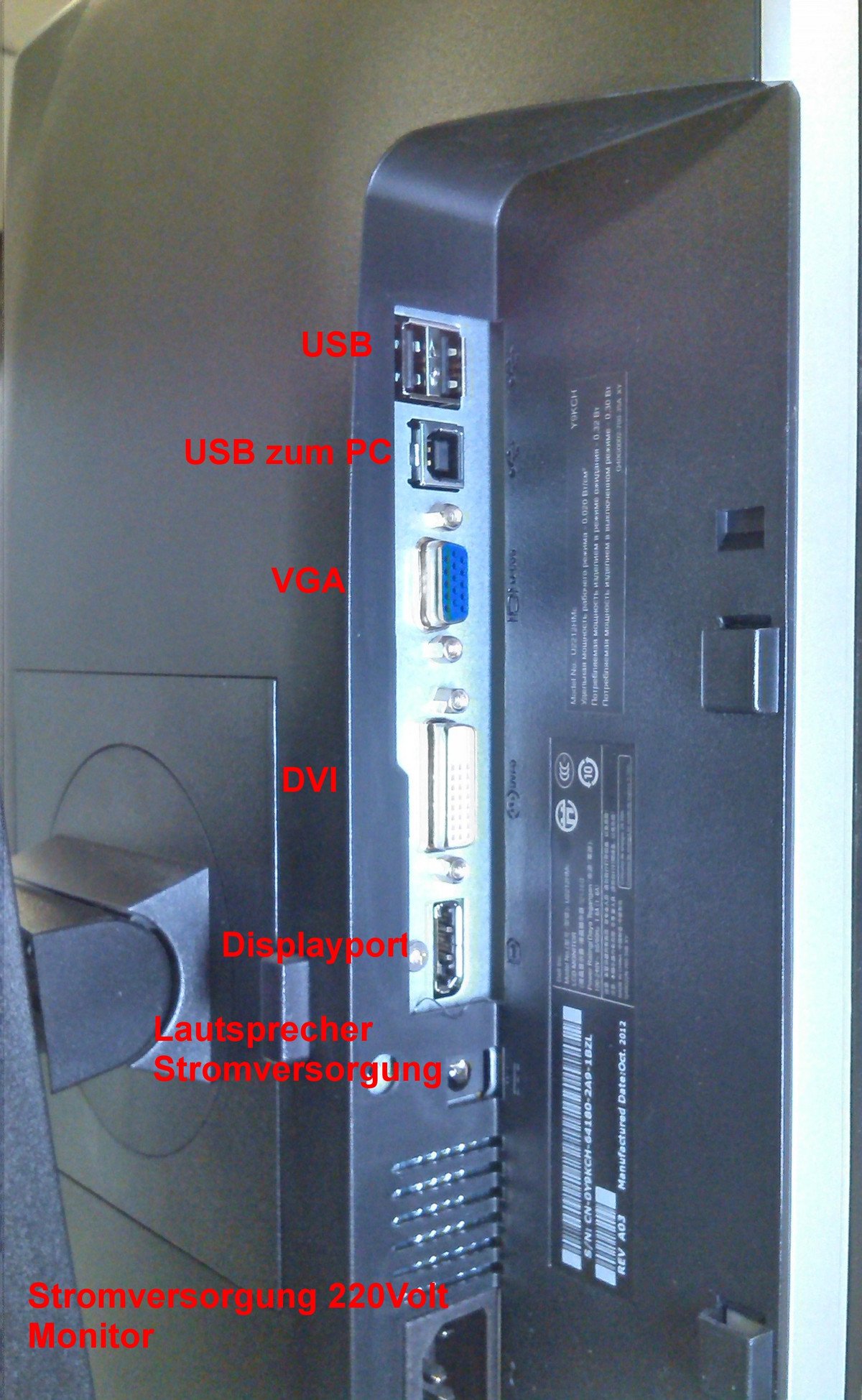
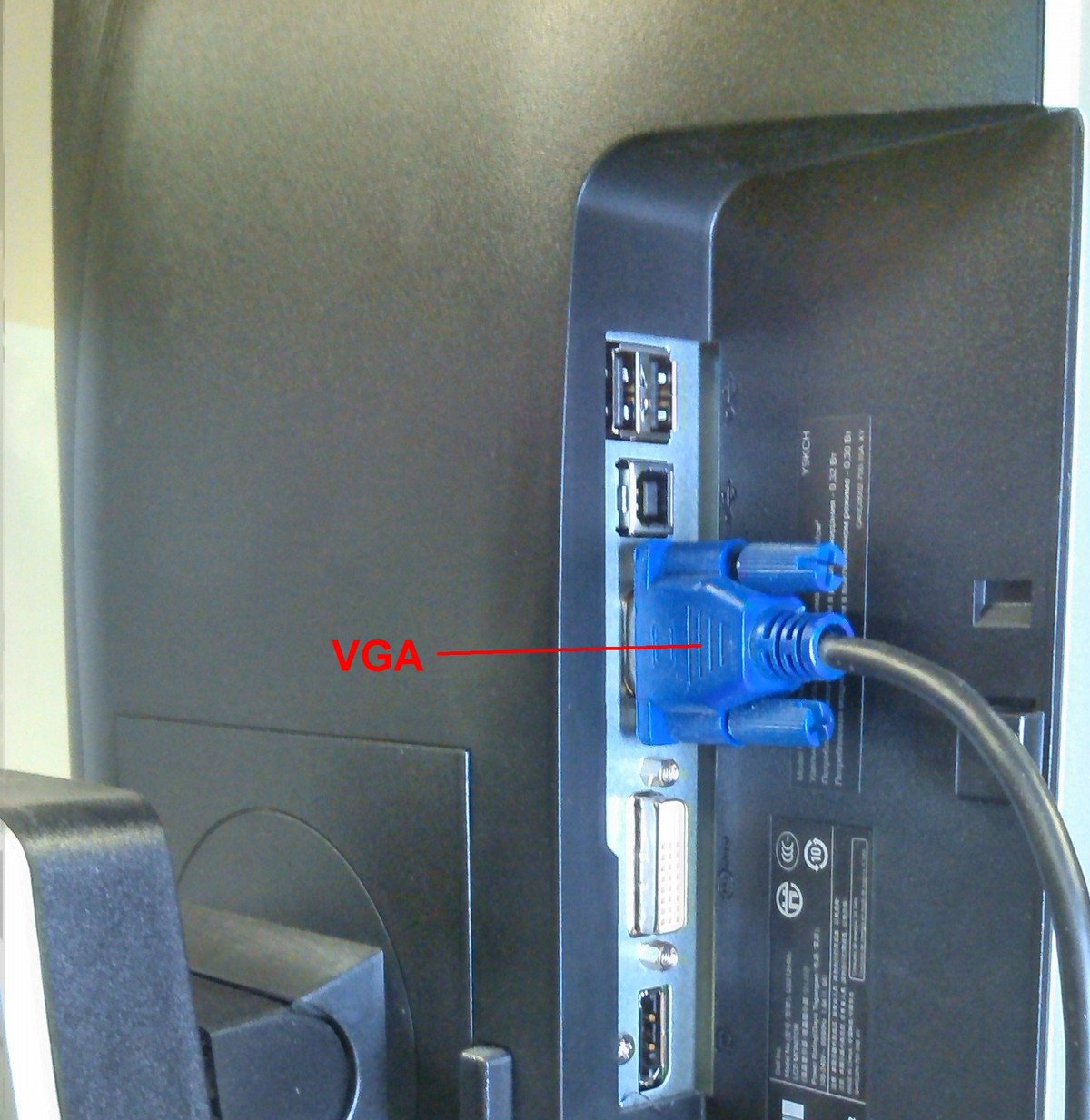
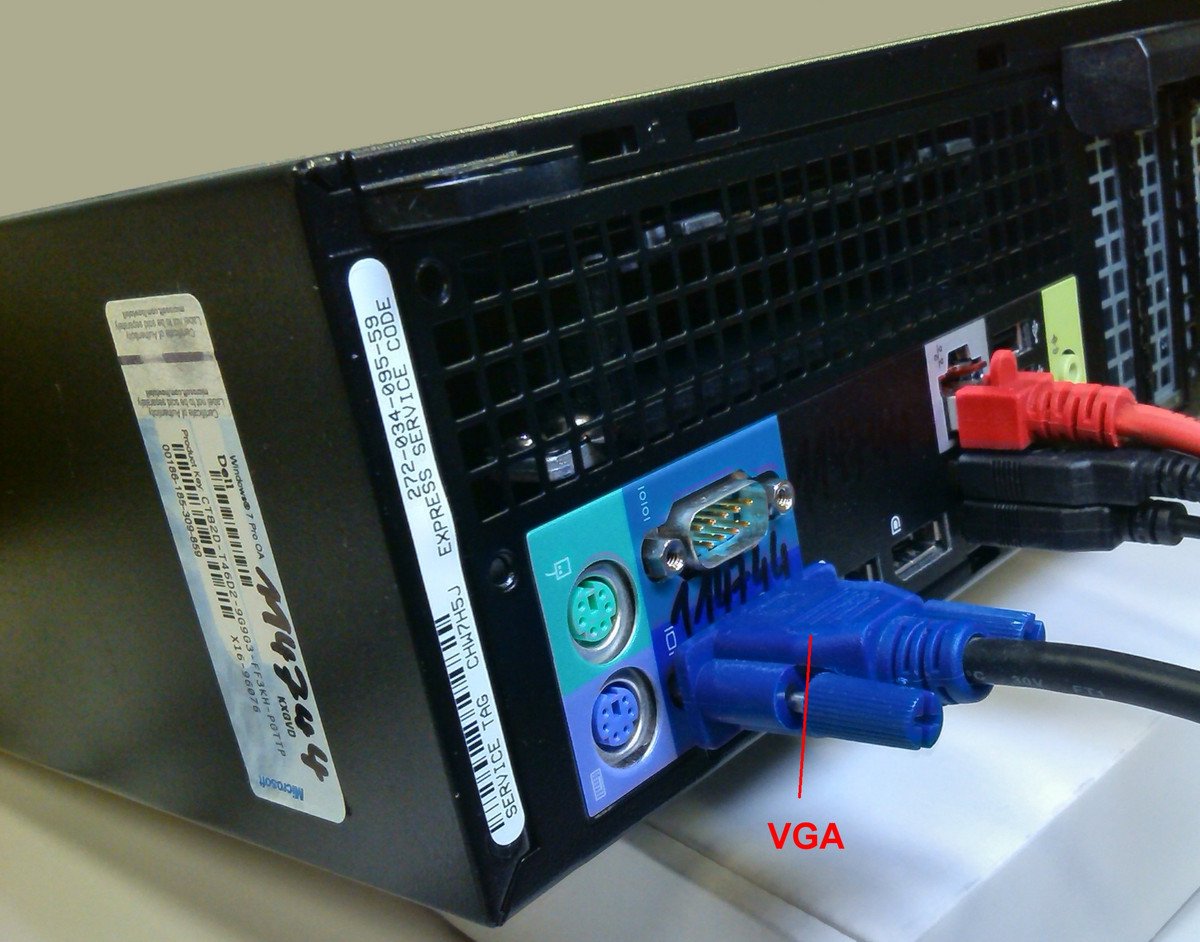
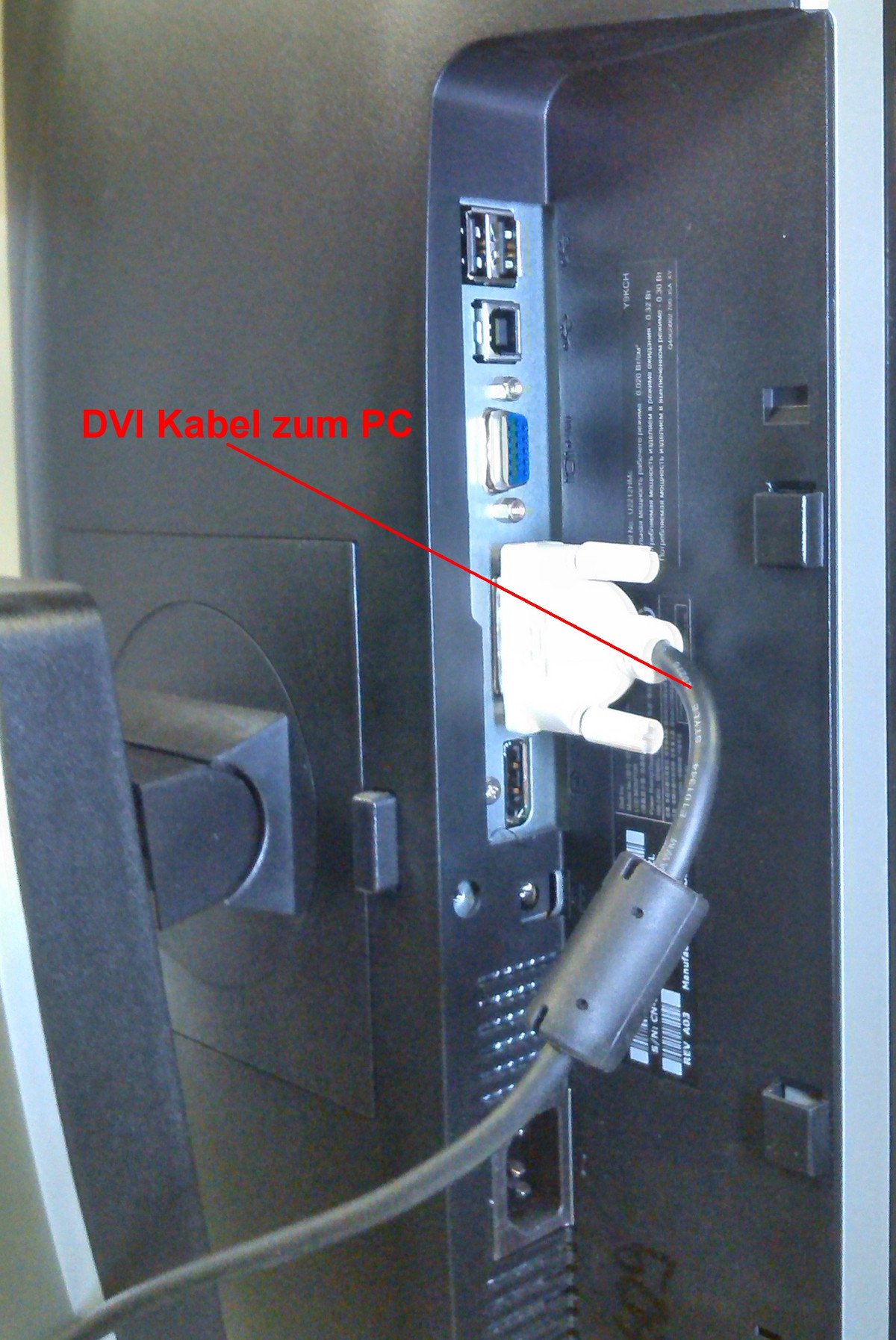
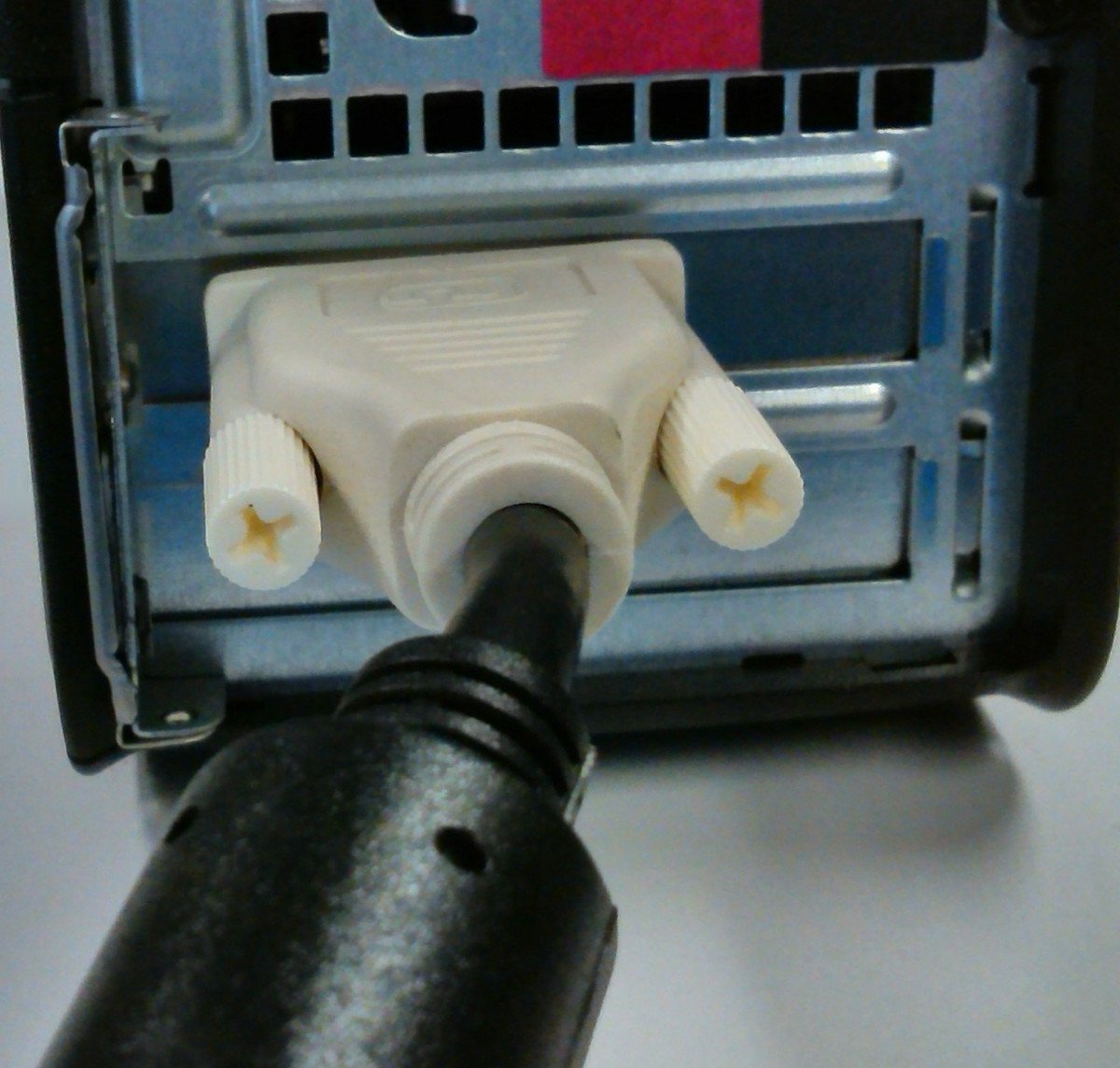
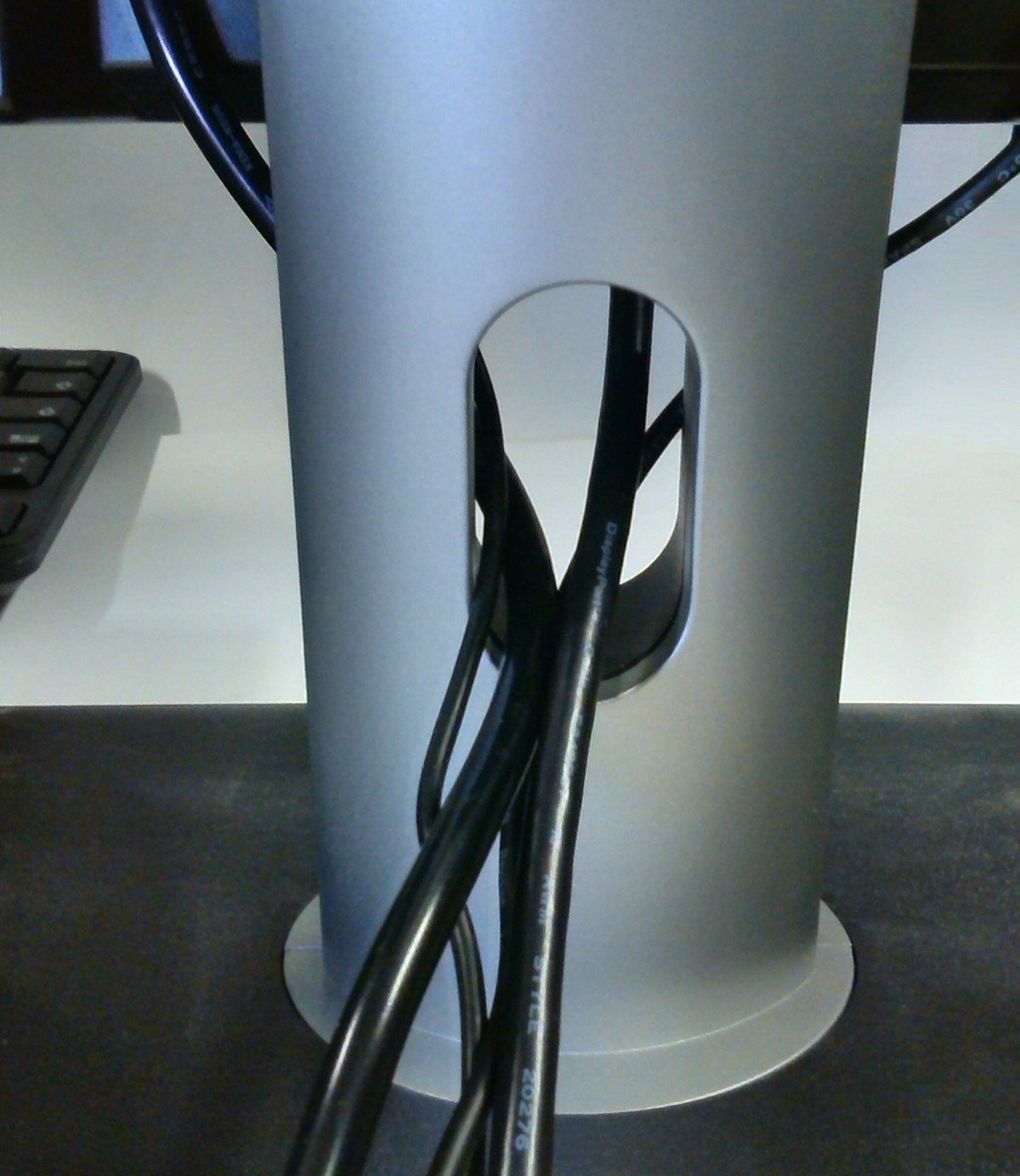
Connect the monitor either with only VGA, only DVI or only DisplayPort! Connecting two or more of those connections to one PC can result in unforeseeable problems or a complete breakdown.
A second monitor can be connected to a PC. You can change the settings for the main screen, copy of the main screen, or advanced screen, etc., in the operating system.
It is possible to connect a monitor to several PCs. The selection as to which of the PCs are displayed on the monitor has to be setup in the menu of the monitor (selection of the signal input, for example here DVI or Display port).
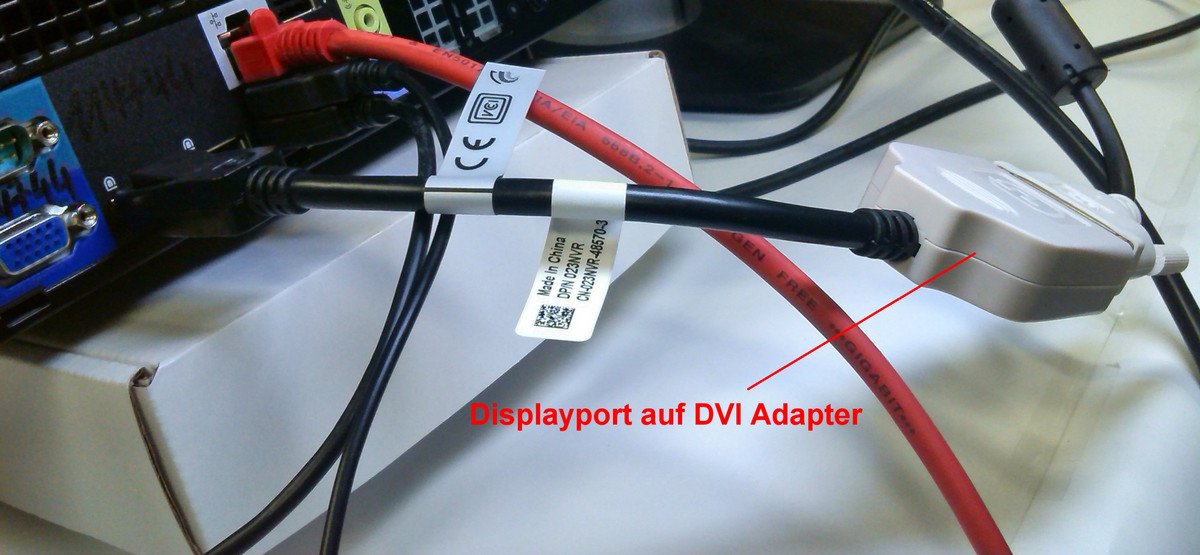
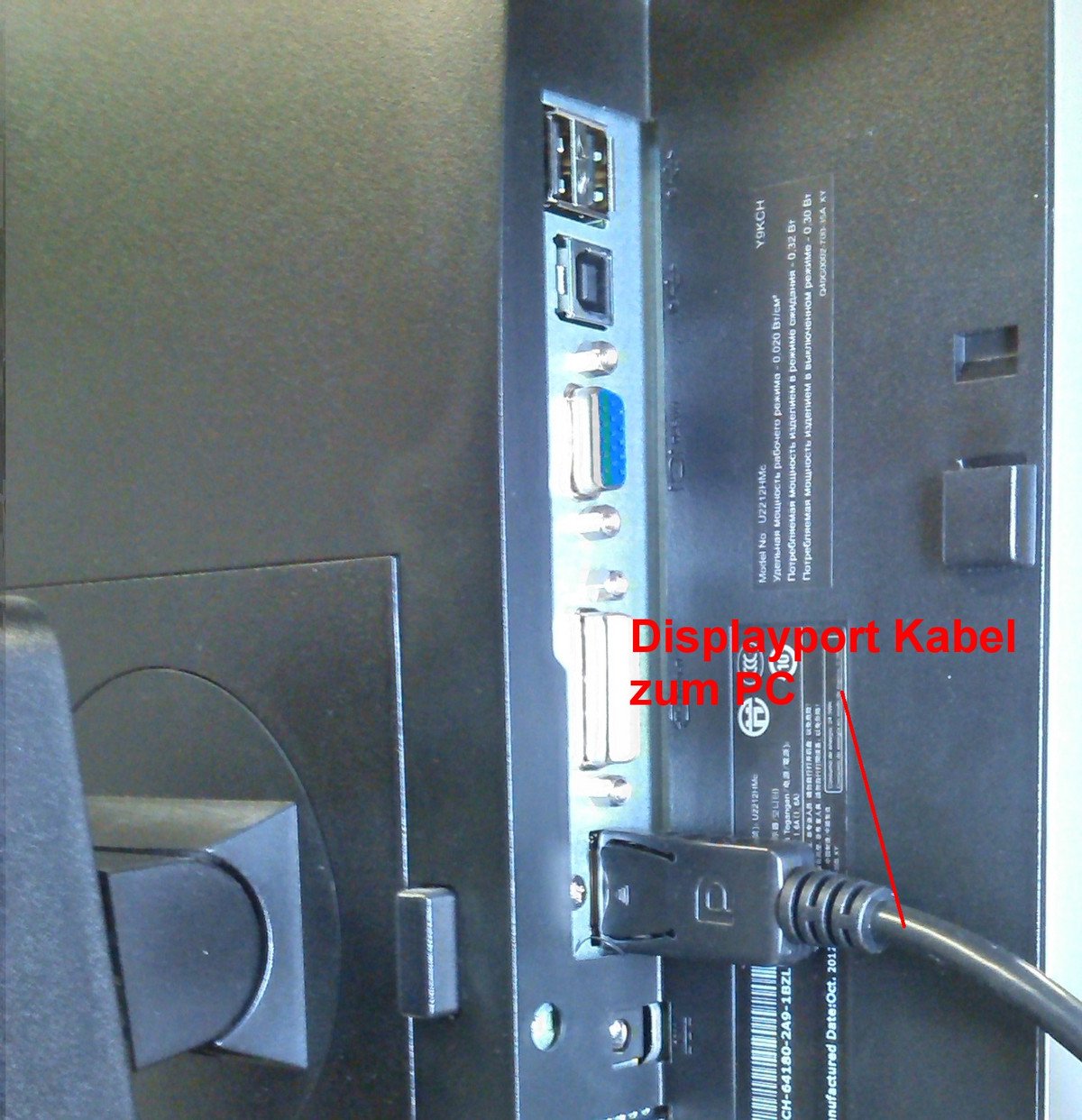
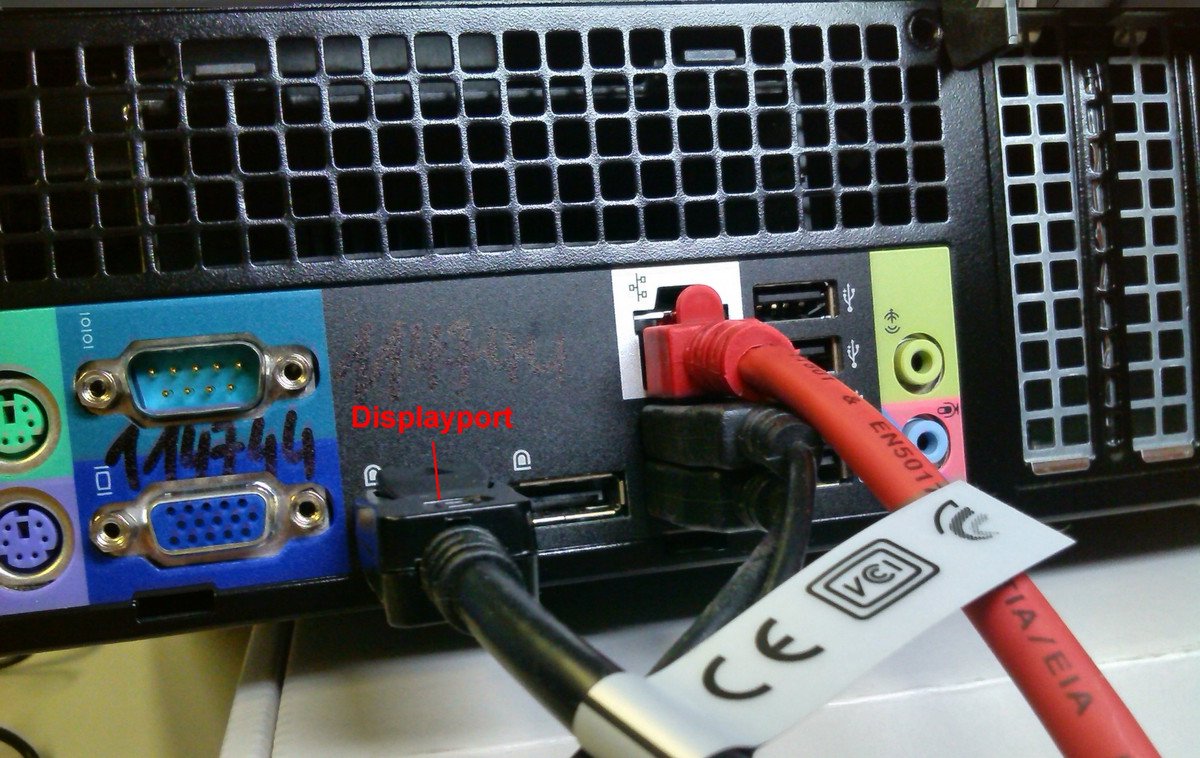
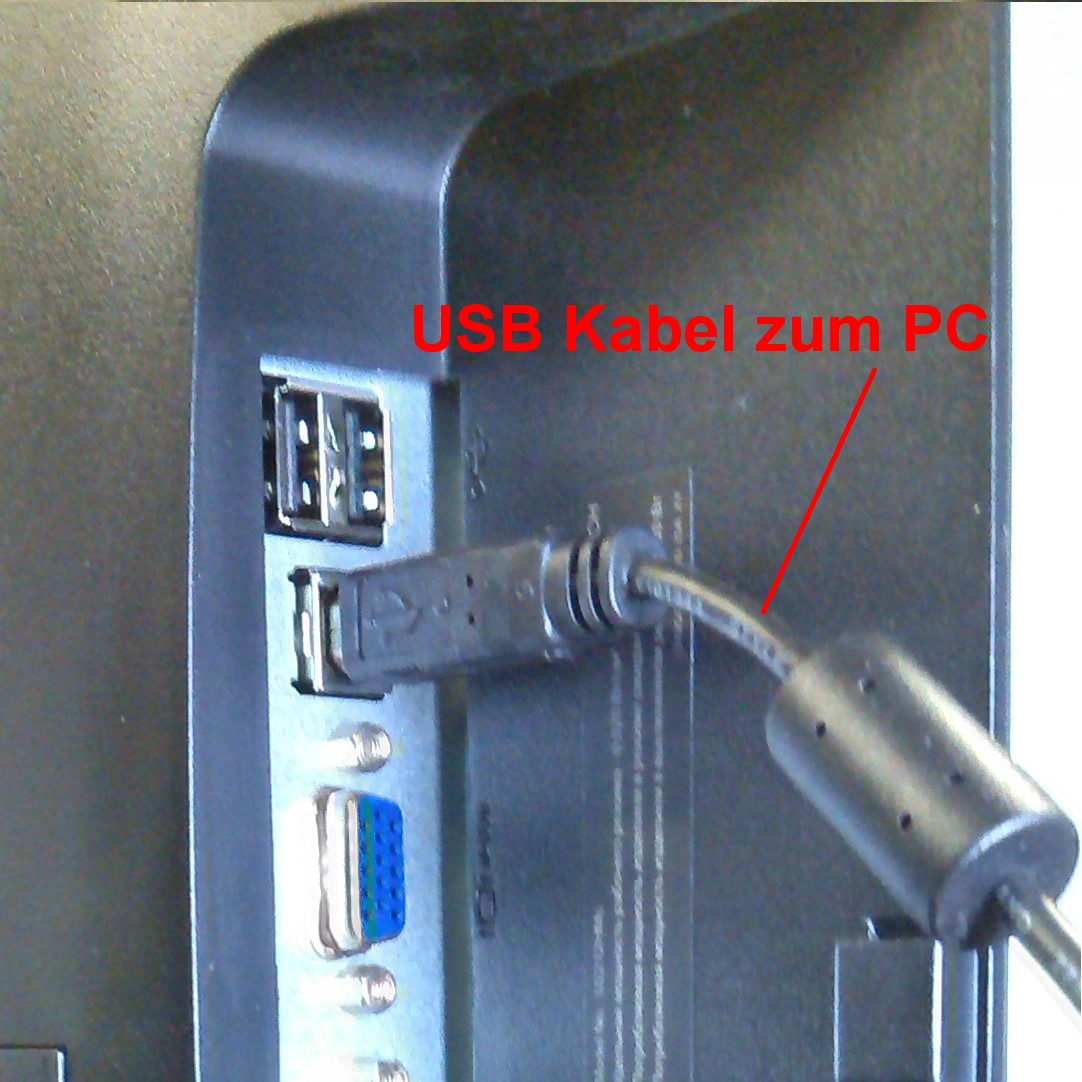
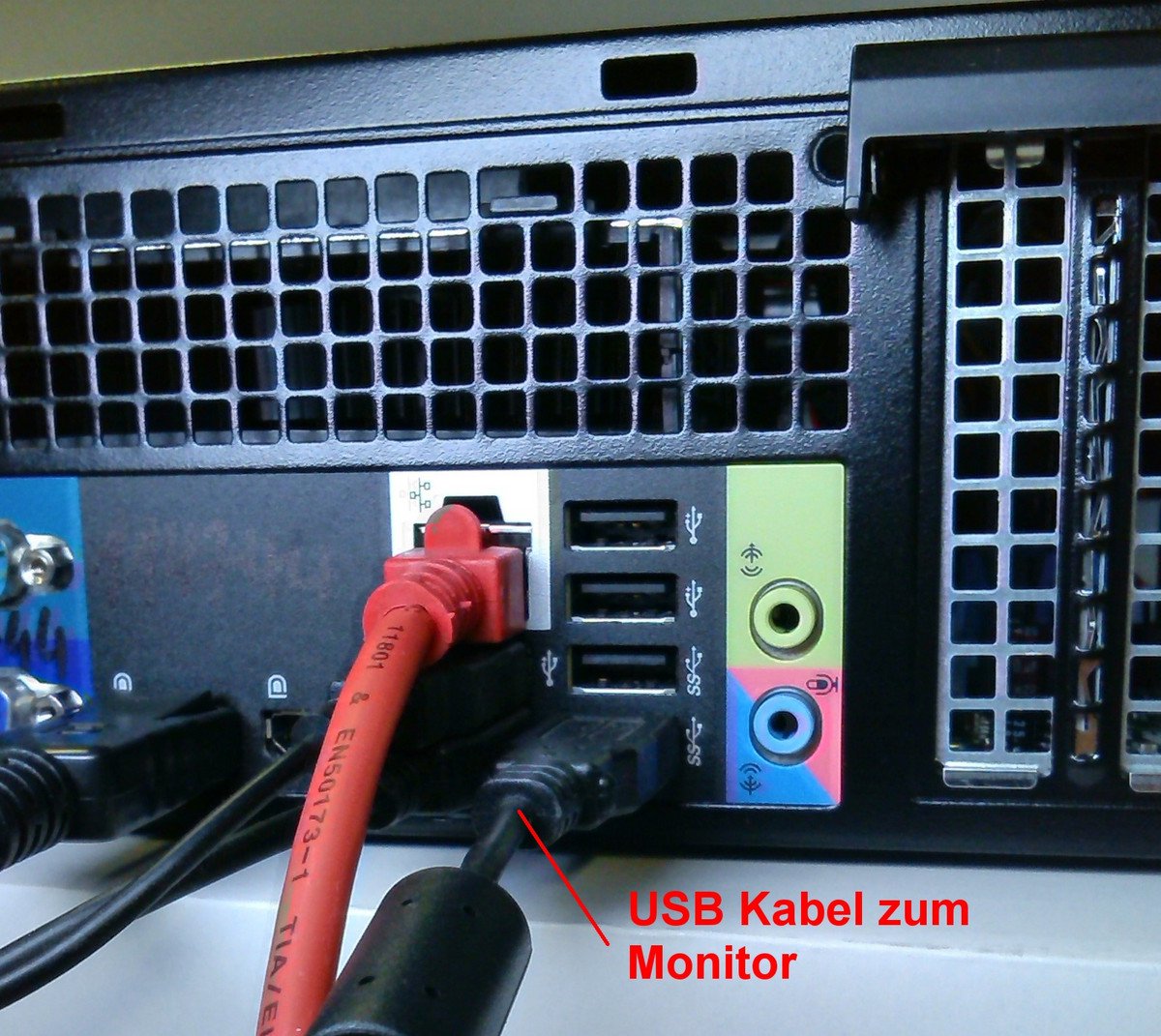
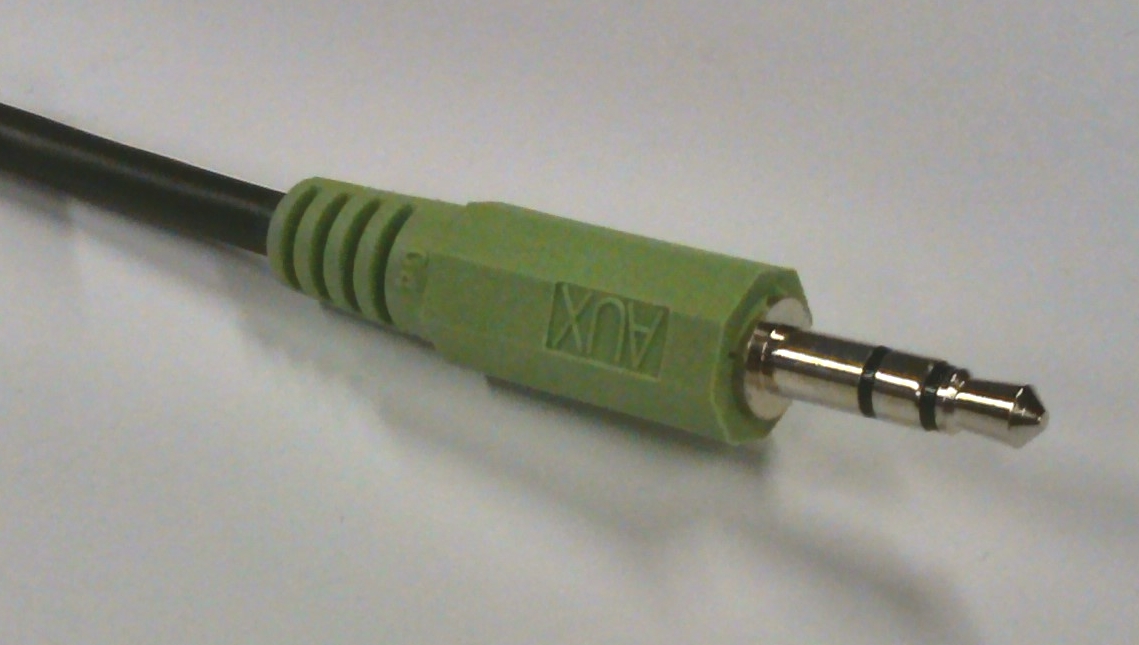
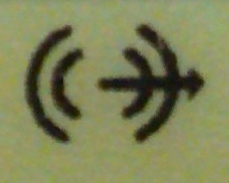
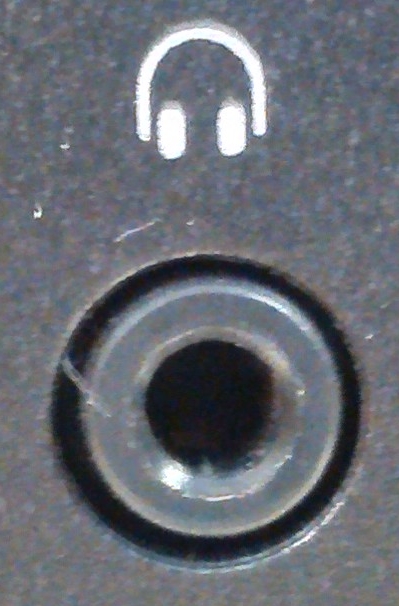
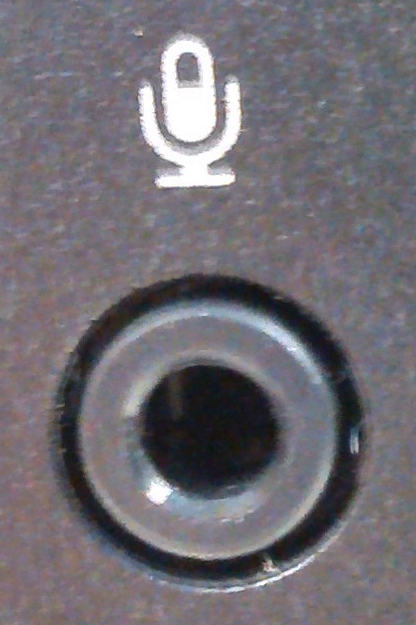
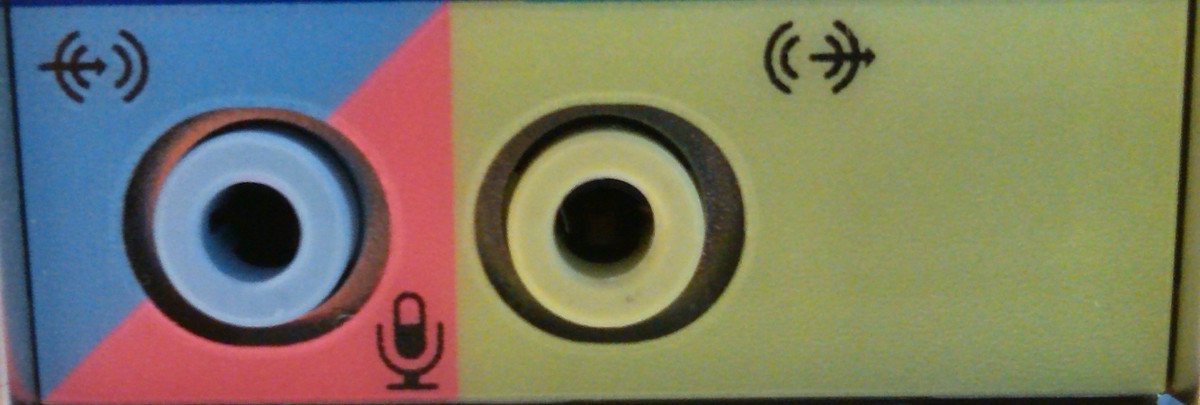
On the back of the PC, you can connect loudspeaker, microphone and line-in. On the front of the PC, you can connect headphones and microphone. Always connect the plugs to the PC according to their colour: green to green, pink to pink, etc.
If you have ordered a monitor with loudspeakers, brief instructions in paper form will be included with the device.


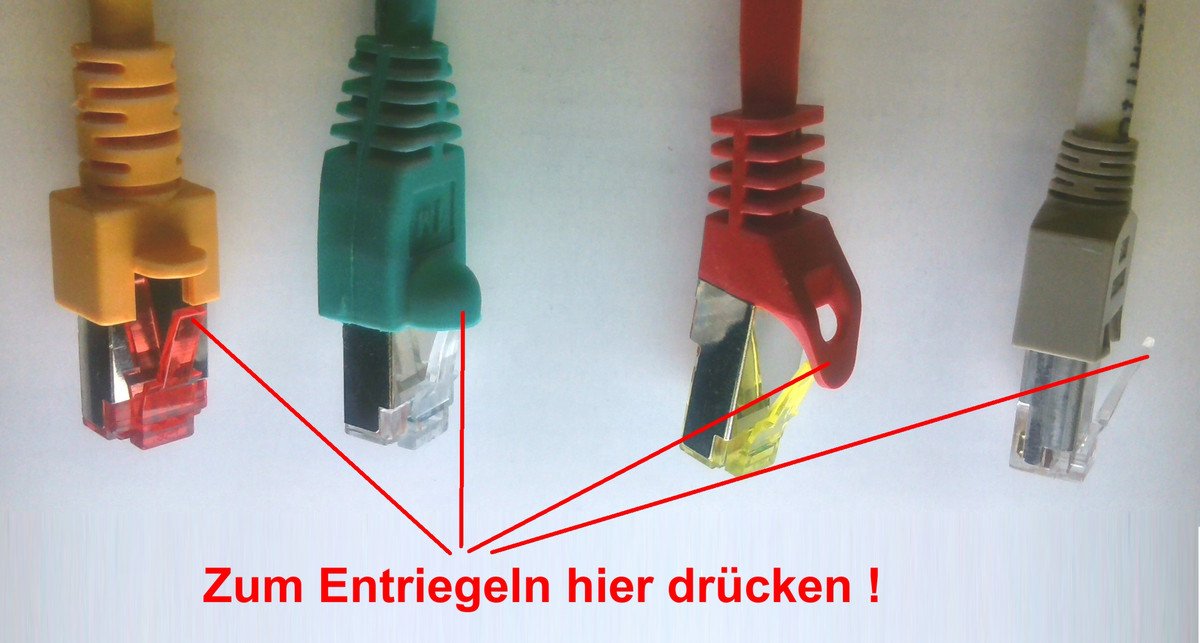
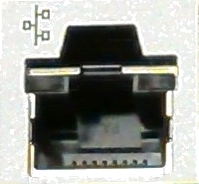
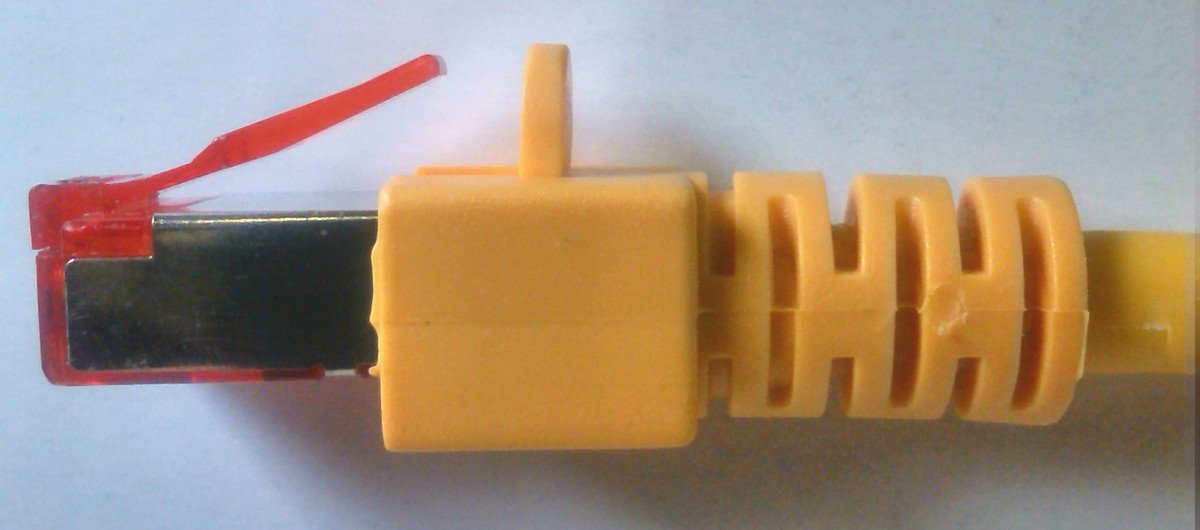
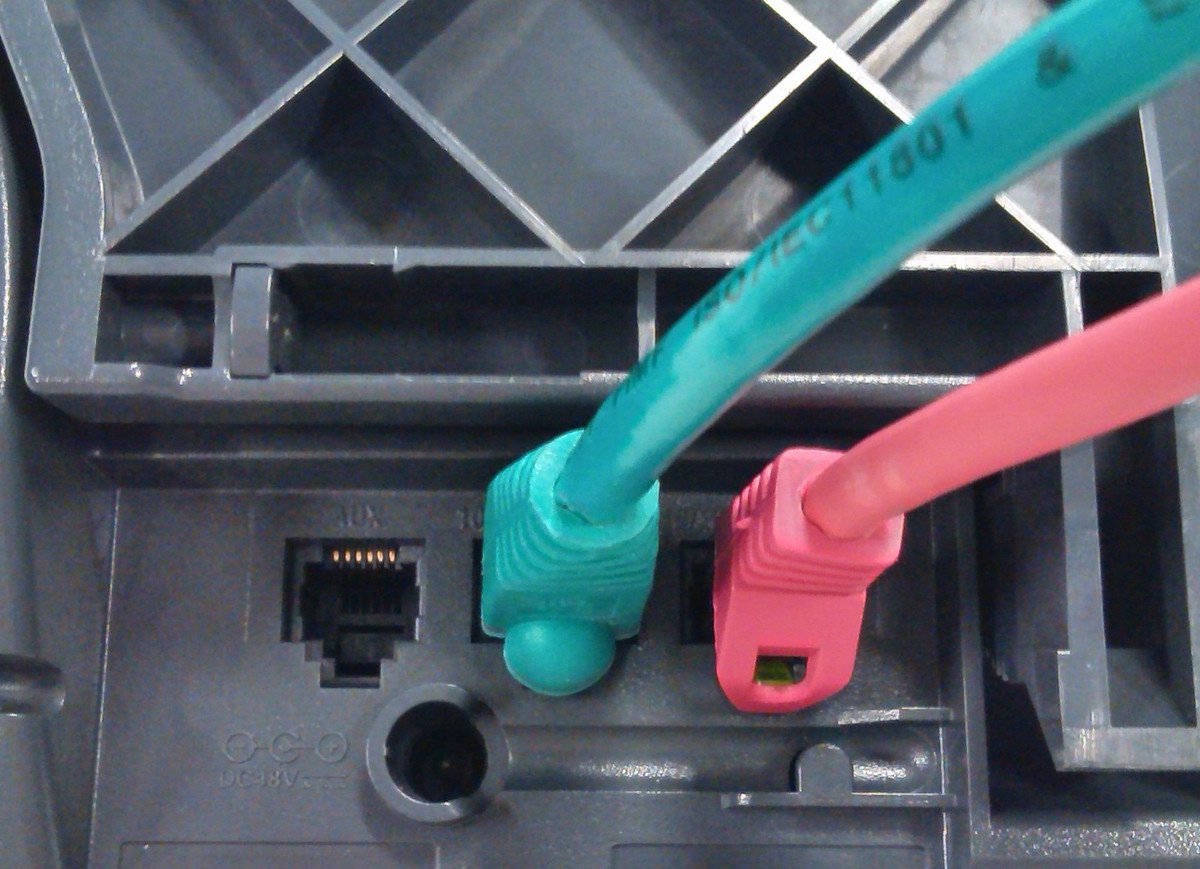
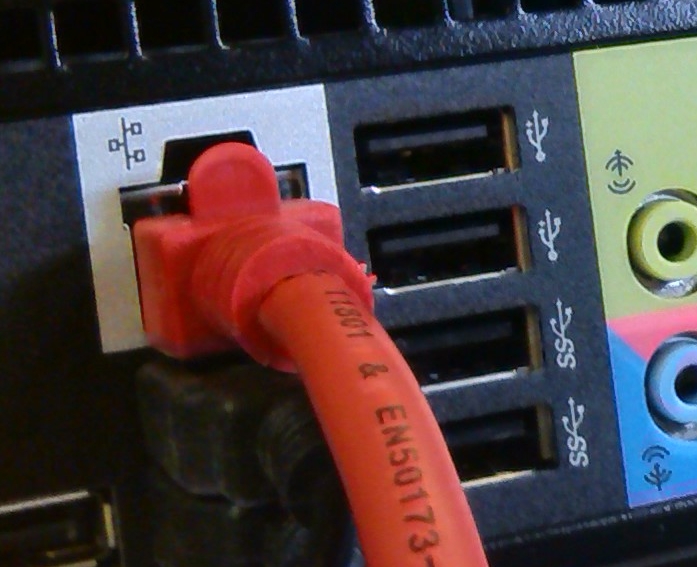
Connect the LAN cable with the PC and a network socket or a mini-switch on the room wall. Please note: The LAN connector is mechanically locked and fragile! To unlock it, please press the plastic lever.
If you need an additional network cable or an additional internet connection, please contact our ZIM support.

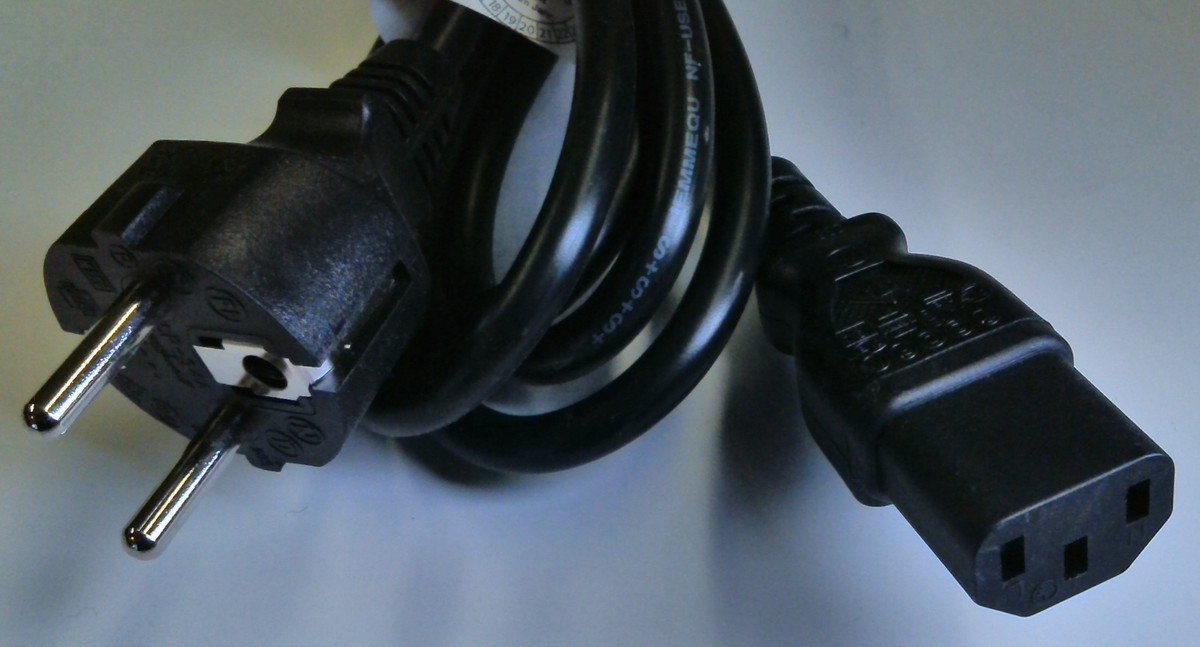
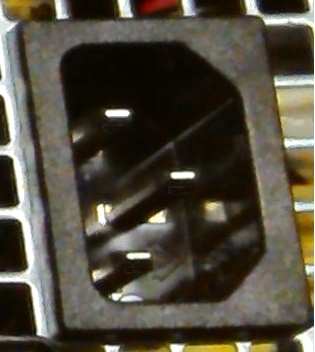
PC to the power supply with the cables included in the delivery.
What should I do if my PC isn’t operating as it should? This is frequently due to minor factors that you can fix yourself quickly and easily. We’ll give you tips for troubleshooting and repairing your device if necessary.
You’ll find extensive instructions for setting up a PC in our Instructions for Desktop PCs.